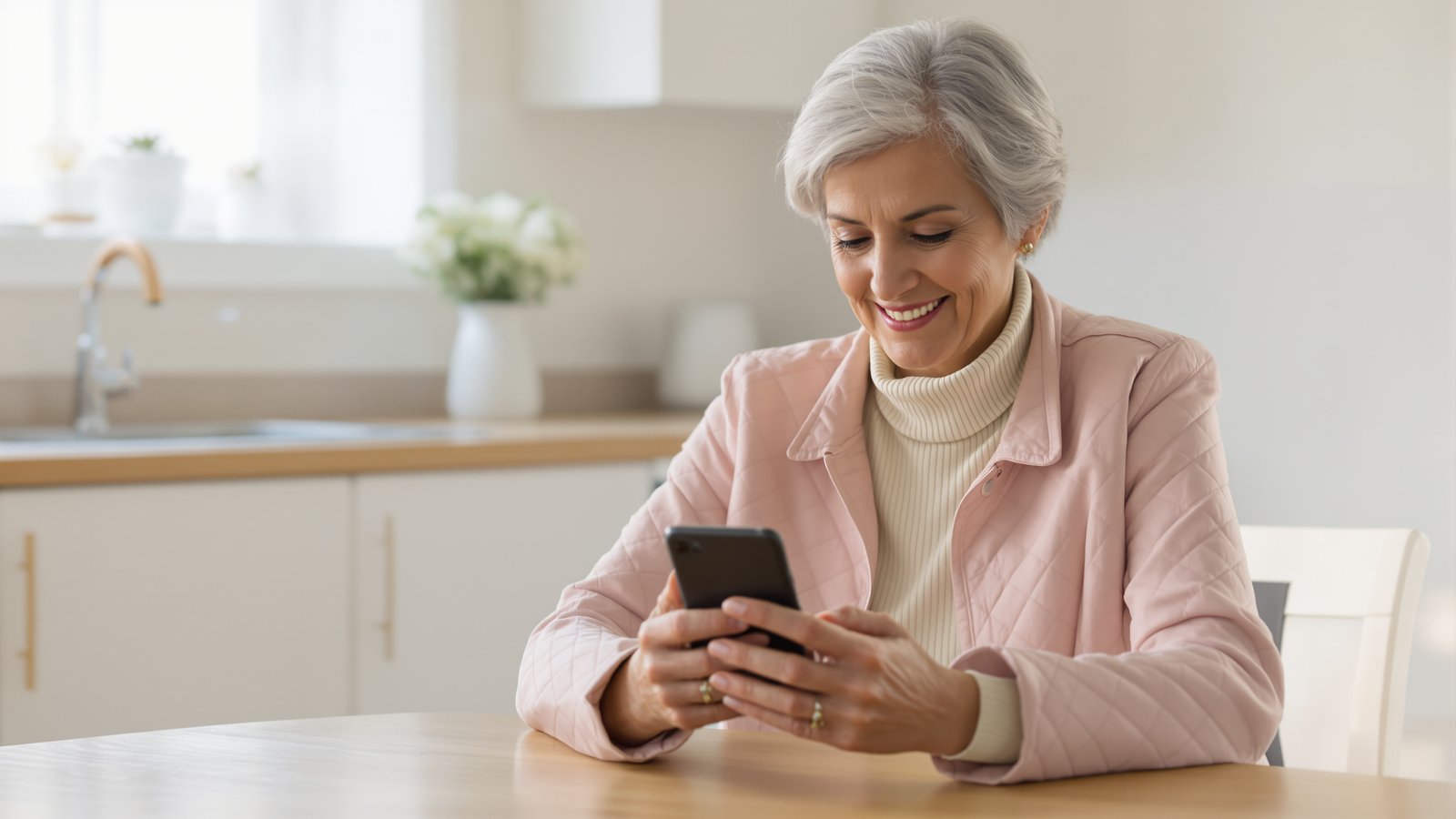
Best Phone for Seniors: iPhone vs Jitterbug
Mom's flip phone died. Kate has to pick something by Sunday. Here's the honest answer.
Affiliate links: if you buy through them, Tiina may earn a small commission at no extra cost to you. As an Amazon Associate I earn from qualifying purchases.
Saturday morning. Mom's Jitterbug Flip2 died last night. Kate is at her kitchen table with two browser tabs open. One is a new Jitterbug: about $80, big buttons, a simple menu, the phone Mom already knows. The other is a refurbished iPhone SE: about $300, intimidating, but FaceTime, the App Store, and everything Kate's actually using to stay close to Mom.
Kate's brother texts: just get her the Jitterbug, she's 73, don't overcomplicate it. Her sister texts: iPhone, obviously, she needs FaceTime. Kate stares at the tabs. The kids want a video call with Grandma on Easter. Mom wants to send pictures of the garden. The Jitterbug can text a photo, but it cannot make a video call.
She picks the iPhone. She also picks Tiina, because she knows Mom is not going to learn the App Store on her own. Together they change what Mom can do for years. Here is why the iPhone wins, and what to do about the part that's hard.
I don't want a senior phone. I want my own phone.
She opened Tiina and asked out loud.
For most older adults, the best phone is an iPhone SE. Not because it's the simplest, but because it grows with them. The Jitterbug Flip2 is friendlier on day one and dead-ends in six months when Mom wants to FaceTime a grandkid. Tiina, a voice-first AI companion for older adults, is what makes the iPhone usable from day one. When Mom gets stuck, she asks Tiina out loud and Tiina walks her through it, so the learning curve flattens out.
If you are stuck choosing between a Jitterbug and an iPhone, it is not because you are bad at tech decisions. It is because the two products are aimed at different versions of Mom: one at the Mom who needs less, one at the Mom who deserves more. They are not the same buy.
Your job is not to find the simplest phone. Your job is to find the phone that does not box her into the smallest possible version of her life. Then remove the friction from the parts that are hard on day one.
Simple today is a cage in six months.
iPhone SE vs Jitterbug Flip2, side by side
Price. The Jitterbug Flip2 is about $80 and works only on Lively's own service. A certified refurbished iPhone SE runs around $300.
Day one. The Jitterbug wins. Big buttons, a short menu, very little to learn. The iPhone needs an afternoon of setup and someone patient beside her.
What she can do. The Jitterbug makes calls, sends texts, and can text a photo. The iPhone adds FaceTime with the grandkids, the family group chat, and every app she grows into.
Six months in. The Jitterbug does exactly what it did on day one. The iPhone SE still gets Apple's newest software, iOS 27, and does more the longer she has it.
What you can do this week
Saturday morning. Order the iPhone SE. Apple stopped selling it new in 2025, so buy a certified refurbished one with a warranty, around $300. Her Jitterbug ran on Lively's own service, so call Lively to ask whether her plan can move to the iPhone, or move her number onto the family plan.
The day it arrives. Sit with Mom and do the setup together. Crank text size up to large. Turn on bold text. Set the wallpaper to a photo of her grandkid. Put eight apps on the Home Screen and delete the rest from view. Install Tiina. Make a grandkid a Favorite contact with a photo. Practice one FaceTime call together.
The next day. Don't check in. Let her use the phone. She will text you something the first day, usually a heart or a photo of the cat. Reply normally. The iPhone is not a project anymore. It is just her phone.
Tiina walks your parent through the phone, the call, the photo, out loud and as many times as it takes. She never makes them feel slow.
What this sounds like with Tiina in the room
Tuesday, 10:14 AM. Patricia is at her desk with the iPhone propped against a stack of blue notebooks. She taps the green video icon and FaceTime opens. Keisha answers on the second ring. Hey Grandma. Patricia smiles. Hi sweetheart. I want to show you something. She gets up, carries the phone to the kitchen window, and points it at the rose bushes outside. Three of them opened this morning. Your grandpa planted these in 2003. Keisha says, They're gorgeous, Grandma. Patricia turns the phone back to her own face. I asked Tiina this morning how to show you the garden on this thing.
Keisha laughs. Grandma, you should start a YouTube channel. Patricia waves her hand. Don't be ridiculous. They talk for twenty-two minutes. Patricia presses the red button. She sits at her desk and looks at the dark phone, then looks at the stack of blue notebooks her husband used to keep his garden notes in, then back at the phone. She wonders, quietly, what a ring light costs.
Mom's iPhone is the phone the grandkids use. She doesn't get a senior version.
The best phone for seniors is the one that grows with Mom. Not the one that caps what she's allowed to do. The iPhone SE plus a voice-first companion makes the first six weeks tolerable and the years after that possible. She gets her granddaughter's face, in real time, in her own kitchen.
Get Tiina on Mom's iPhone →Methodology & editorial policy
Reviewed and updated September 25, 2026 by the Tiina Editorial Team. Re-checked as new federal data, agency updates, or product changes warrant. Sources are linked below; numbers are not composite.
About composite scenarios. Scenes and sample conversations in this article are composite. Names and identifying details are changed; the moment is real.
About Tiina. Tiina is a voice-first AI companion for older adults: an app for iPhone and iPad that your parent opens whenever they want someone to talk to, day or night.
Sharing. Quote freely with a link back to this page. For full reprints, email hello@tiina.ai.
Sources. 3 references: primary sources for the numbers and claims above.View all
- Pew Research: Mobile Fact Sheet. Smartphone ownership by age: 78% of adults 65 and older own a smartphone, and 16% own a cellphone that is not a smartphone (2025 survey). pewresearch.org/mobile
- Apple Accessibility: Vision features. Reference for the vision settings used in the setup above (larger text, bold text, zoom). apple.com/vision
- AARP Research: Tech Use and Adoption Keeps Surging Among Older Adults (2026). Smartphone ownership among adults 50 and older rose from 55% in 2016 to 90% in 2025. aarp.org/research
Frequently Asked Questions
The easiest phone to operate for seniors depends on tech comfort. For seniors who want true simplicity, the Consumer Cellular IRIS Easy Flip or Jitterbug Flip2 are the easiest day one, with large buttons, a simple menu, and no apps to navigate. For seniors willing to learn slightly more in exchange for video calling, photos, and modern features, an iPhone SE set up the simple way (large text, bold text, eight apps on the Home Screen) is the easiest practical smartphone. The right answer is whichever device the older adult will actually pick up. A phone that sits in a drawer because it feels intimidating is not easy, no matter the spec sheet.
AARP does not endorse a single phone. Its technology coverage has featured the Jitterbug Flip2 among easy-to-use flip phones, and its smartphone buyer's guide starts where this article does: what will the person actually use the phone for? The Jitterbug models lead for medical alert features and ease of use; iPhones lead for longevity, family ecosystem fit, and capability ceiling. AARP also partners with Consumer Cellular for member discounts on plans, which makes that pairing particularly common. The recommendation generally tracks tech comfort: Jitterbug for low, iPhone for medium to high.
Five strong options: Consumer Cellular IRIS Easy Flip for easiest overall operation, Jitterbug Flip2 for best built-in medical alert features, Apple iPhone 17e for best camera quality and family ecosystem fit, Jitterbug Smart4 for the best simplified smartphone, and the RAZ Memory Cell Phone for seniors with dementia or Alzheimer's. The RAZ shows only photos of contacts, eliminating menus and apps entirely. The right pick depends on whether the senior wants a flip phone or smartphone, and on their tech comfort. For most iPhone-using families, an iPhone SE or 17e set up the simple way wins on a five-year horizon, even with a steeper first week.
iPhone is generally better for seniors whose families use iPhones, because iMessage, FaceTime, and Find My all work seamlessly across the household. Samsung Galaxy A series phones with One UI Easy Mode are the rough Android equivalent and a strong choice if the family already uses Samsung or Pixel devices. The hardware quality is comparable. The deciding factor is ecosystem fit, since the senior will need help, and help is much easier when the helper uses the same device. Long-term software support also favors iPhone, with 6-7 years of iOS updates versus 4-7 for Samsung depending on the model.