Text Message Scams Targeting Seniors: How Smishing Works
The Chase text wasn't from Chase. The USPS text wasn't from USPS. The 10-second check that catches nearly all of them.
Text-message scams ('smishing') are among the fastest-growing scam categories against older adults. The patterns are predictable: fake bank fraud alerts, fake package-delivery problems, fake Apple ID locks. Every one of them asks for a click or a code. The 10-second check that catches nearly all of them: don't tap the link. Open the actual app (Chase, USPS, Apple) and check there. If the alert is real, it'll show in the app. If it's not, the link was going to steal credentials. We've also seen the rise of AI-voice phone scams using texted callback numbers. Same principle: don't call the number in the text.
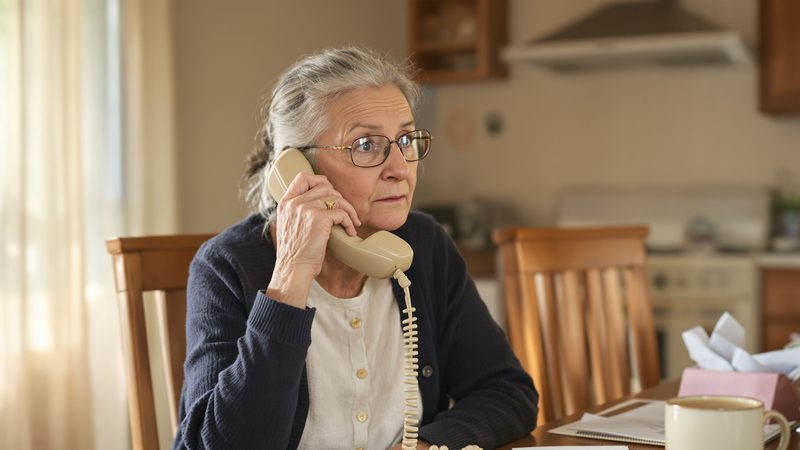
The text said it was Chase Bank. It wasn't Chase Bank. It used Margaret's name. It said there were fraudulent charges in Texas (three hundred and forty dollars at a gas station outside Houston) and that her account had been frozen for her protection. Under that, a link: tap to verify your PIN and unlock the account.
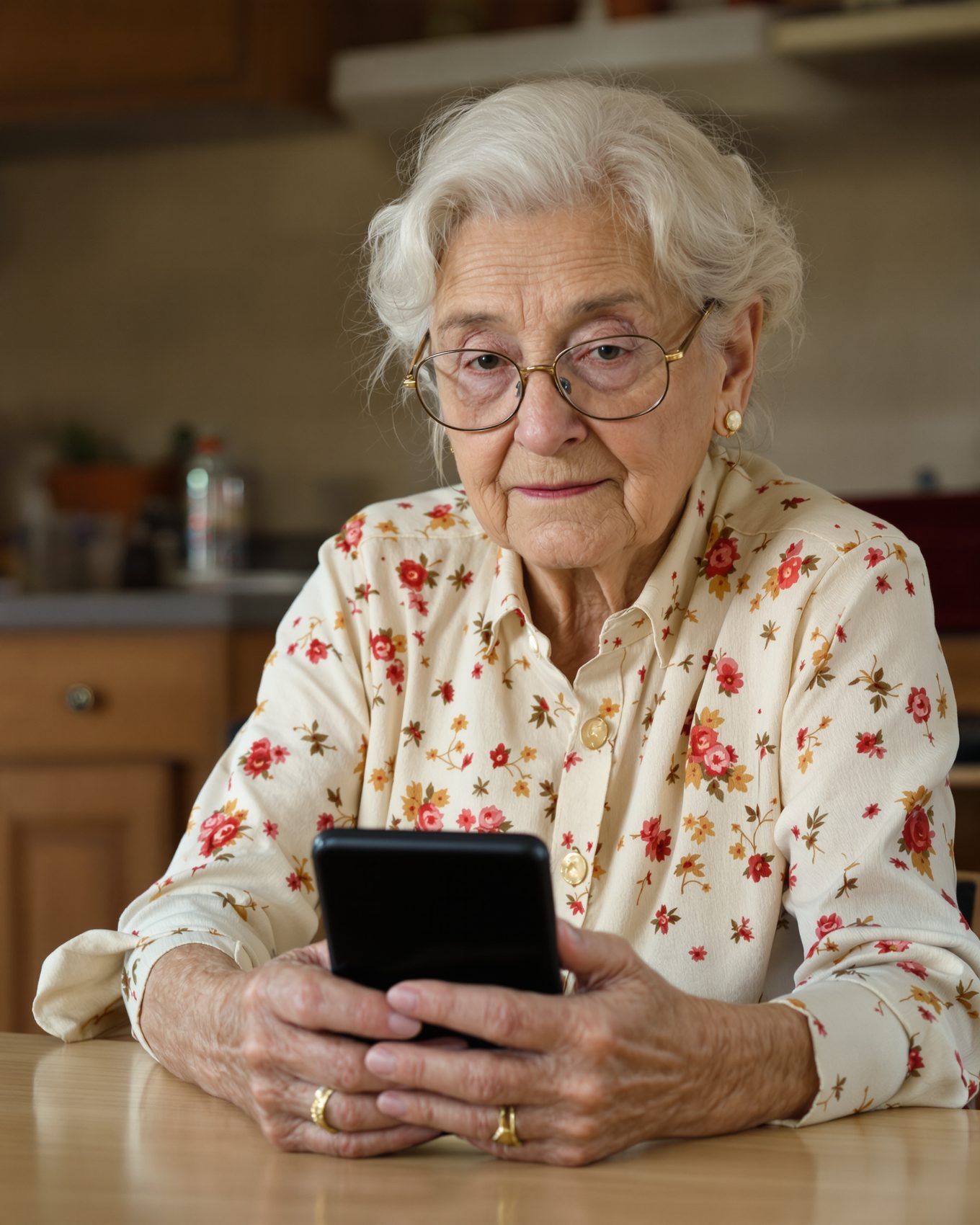
It looked so official. A case number, tidy bank language, even a "reply STOP to opt out" line at the bottom. Margaret didn't tap. She opened Tiina on her iPhone and read the text out loud, word for word.
Tiina answered calmly: "Banks never text you a link to verify a PIN. This is a smishing scam. Don't tap it. If you want to be sure, call the number on the back of your card."
She forwarded the text to 7726, the way Tiina walked her through it. Deleted it. Called Chase from the back of her card. No charges. No frozen account. The link died on her screen.
The three smishing patterns running right now
- Bank fraud alert. "We detected a $X charge in [distant city]. Reply YES to confirm or NO to cancel. To speak with fraud team, call [number]." The number is the scammer. Don't reply, don't tap any link, and don't call the number.
- USPS / FedEx / UPS undeliverable package. "Your package can't be delivered. Update your address: [link]." The link goes to a fake site that asks for your card number or a "redelivery fee."
- Apple ID lock / Microsoft account compromise. "Your Apple ID has been locked. Sign in to verify: [link]." Apple never texts you links to sign in. Microsoft doesn't either.
Newer patterns, like fake Medicare card, unpaid toll and IRS refund texts, are covered further down.
The 10-second check
Three steps. Memorize this:
- Don't tap the link. Ever. If action is really needed, it will be waiting in the organization's own app or website. You never need the link in the text.
- Open the actual app. Open Chase. Open USPS. For an Apple alert, open Settings and tap your name at the top. If the alert is real, you'll see it there.
- If unsure, call the official number on the back of your card (or the company's official website, typed by hand, not searched). Not the number in the text.
Run this check every time. The 10-second cost prevents the 6-month consequence.
What to do with a suspected smishing text
- Forward it to 7726 (SPAM). Standard cross-carrier reporting number. The carriers track these and block patterns.
- Report to the FTC at reportfraud.ftc.gov.
- Delete the text. Don't reply, don't forward to family for amusement.
- If you tapped the link by accident: immediately change the password on the account it impersonated, freeze your credit at the three bureaus (see our recovery guide), and call your bank's fraud line.
A scammer counts on no one being there to ask. Tiina is. She's on your parent's iPhone, ready to talk through any "urgent" call, calmly, before they do anything they can't undo.
The newer smishing patterns running in 2026
Smishing evolves fast. Federal agencies and carriers play whack-a-mole. The ones we see most often right now:
- Fake Medicare card replacement. "Your new Medicare card is pending. Verify your number to receive it: [link]." Medicare doesn't text. Real card replacements come by mail. See our pillar guide for the longer treatment of Medicare scams.
- Fake state-DMV unpaid toll. "You owe $4.75 in unpaid tolls. Pay now to avoid fees: [link]." Spreading rapidly through Texas, California, Florida. Don't pay a toll from a link in a text. Check your account on the toll agency's real website, typed by hand.
- Fake IRS refund. "Your IRS refund of $1,402 is ready. Verify your details to receive it: [link]." The IRS does NOT text refund notifications. Check a refund with the "Where's My Refund?" tool on IRS.gov, typed by hand.
- Fake utility shutoff threat. "Your power will be shut off in 30 minutes for non-payment. Pay immediately: [link]." Real utilities send written notice before a shutoff. Anyone threatening same-day shutoff by text is a scammer.
- Fake bank login alert with callback number. "Suspicious sign-in detected. If this wasn't you, call [number]." The callback number connects to a scammer who walks your parent through "verification" that drains their account. The text-then-call pattern is harder to spot than text-with-link.
When in doubt: forward to 7726 (SPAM) from the text thread. Standard cross-carrier reporting number. The carriers track these and block patterns at scale.
If your parent already tapped the link: the 30-minute checklist
Tapping a link alone usually doesn't compromise the phone. Modern browsers sandbox most attacks. The risk is what your parent did NEXT. If they tapped and:
- Only viewed the page (no taps, no info entered): clear browser history and cache, update iOS to the latest version, watch the affected account for a week. Most likely safe.
- Entered a password: change that password EVERYWHERE that password is used. Then enable two-factor auth on the real account. Then call the bank/Apple/Amazon to confirm no suspicious activity.
- Entered a credit/debit card: call the card's fraud line on the back of the card. Replace the card. Watch for charges over 60 days.
- Entered SSN or Medicare number: freeze credit at all three bureaus (Equifax, Experian, TransUnion). It's free at all three. File at identitytheft.gov. See our recovery guide for the full timeline.
- Sent money via gift cards, wire, or Zelle: call your bank, or the company that issued the gift card, within the hour. Recovery is partial-at-best but speed matters. File an IC3 complaint at ic3.gov same-day.
Speed matters more than perfection. Better to overreact in the first hour than to optimize the response in week three.
What this sounds like with Tiina in the room
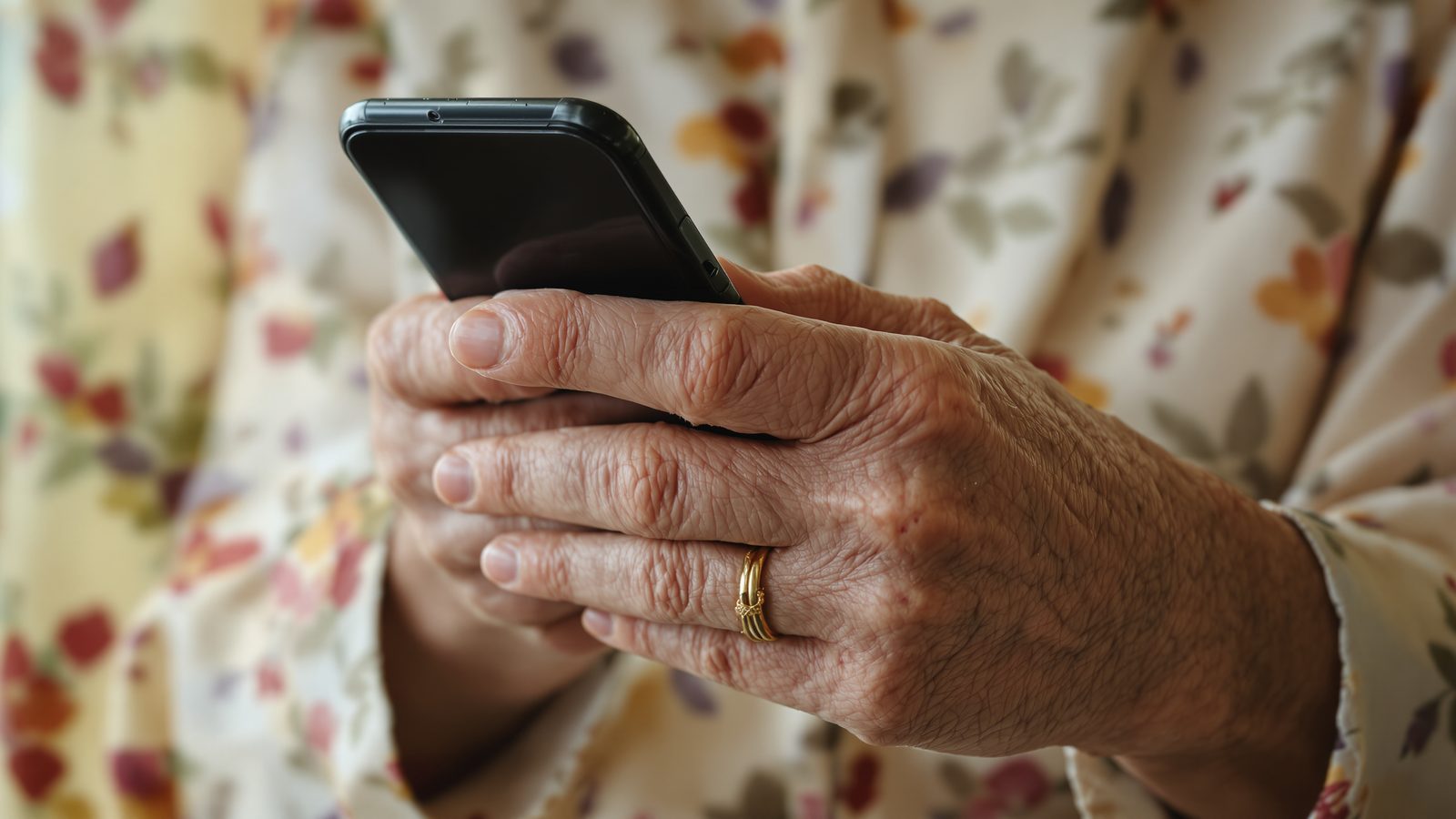
11:35 AM. Your mom's phone buzzed five minutes ago. A text said her Chase account was locked, with a link to verify her PIN. She doesn't have a Chase account. But she's seen the news about scammers and isn't sure. She takes a screenshot of the text, opens Tiina, and asks, "Is this a scam?" Tiina answers. Yes. Banks never text you links to verify a PIN. Walks her through what to do: don't tap, forward to 7726, delete. Doesn't make her feel paranoid for asking. Your mom forwards it. Deletes it. Goes back to her crossword.
Mom reads the text to Tiina before she taps the link.
"USPS package held." "Chase account locked." "Your grandson needs bail." She reads it out loud, Tiina answers, and the link dies on her screen instead of in her checking account.
Try Tiina with Mom →Methodology & editorial policy
Reviewed and updated September 25, 2026 by the Tiina Editorial Team. Patterns sourced from FTC, FBI IC3 and AARP scam alerts and CTIA's spam-text guidance, listed below. Re-checked monthly as new templates emerge.
About composite scenarios. Margaret is a composite character, and the scenes and sample conversations in this article are illustrative. The three current patterns and the 10-second check are sourced from active federal advisories.
About Tiina. Tiina is a voice-first AI companion for older adults: an app for iPhone and iPad that your parent opens to talk through a moment that doesn't feel right.
Sharing. Quote freely with a link back to this page. For full reprints, email hello@tiina.ai.
Sources. 6 references: FTC, FBI IC3, FCC, CTIA, AARP Fraud Watch, Apple Support.View all
- FTC Consumer Advice. How to Recognize and Report Spam Text Messages. consumer.ftc.gov
- FBI Internet Crime Complaint Center. Smishing Scam Regarding Debt for Road Toll Services (PSA240412, Apr 2024; toll-text complaint volume). ic3.gov
- FCC. Stop Unwanted Robocalls and Texts. fcc.gov
- CTIA. Protecting Yourself from Spam Text Messages. ctia.org
- Apple Support. Screen and filter text messages on iPhone. support.apple.com
- AARP Fraud Watch. Criminals Are Stealing More Money Through Text Scams Than Ever Before (June 2025). aarp.org