The Best Scam Blocker Apps for Seniors, Compared
Five apps compared. Honest math. We'll tell you when Tiina isn't the answer.
Most caregivers should run two apps on a parent's phone, not one. A call blocker (Nomorobo, at $19.99 a year or $2.99 a month, is the cleanest pick) catches the known-bad numbers before they ring. Tiina ($9.99/month) is the calm voice your parent opens after a call that got through, when they aren't sure if it was real. They solve different problems and they don't compete. RoboKiller is fine if your parent likes the prankback feature. Truecaller we'd skip for a parent's phone: its caller ID runs on a crowd-sourced database model we walk through below. Aura is overpriced for what most families need.
The question we get from caregivers more than any other, almost always at the end of an email about something else: "What app should I put on her phone?"
The honest answer is: that depends on what you mean by scam. A robocaller dialing ten thousand numbers a day is a different problem than a stranger at 2 AM pretending to be your nephew. A tech-support pop-up is a different problem than a man who says he's from Medicare. No single app solves all of them. Most caregivers should run two (a blocker plus a companion), and we'll show you why below, including the categories where Tiina (our app) is not the right answer.
The 30-second comparison
| Nomorobo | RoboKiller | Truecaller | Aura | Tiina | |
|---|---|---|---|---|---|
| Price | $2.99/mo or $19.99/yr | About $11-13/mo | Free / $9.99/mo | $12+/mo | $9.99/mo |
| Blocks robocalls | Yes | Yes | Yes | Yes | No |
| Identifies scam patterns | Yes | Yes | Yes | Yes | Yes |
| Stops voice-cloned grandparent scams | No | No | No | No | Helps (after the call) |
| Talks to your parent | No | No | No | No | Yes, voice-first |
| Identity-theft monitoring | No | No | No | Yes | No |
| Best for | Robocall blocking | Robocall + prankback | Caller ID lookup | Identity-theft bundle | After-the-call calm |
| Best NOT for | One-off social engineering | Budget-minded families | Privacy-conscious users | Phone-scam-only need | Robocall blocking |
Pricing checked September 2026 on each app's pricing page or App Store listing. Effectiveness assessments based on FTC reports and aggregated app-store reviews from caregivers.
The honest read on each
- Cheap and effective against known-bad numbers, which make up the bulk of robocalls.
- Quiet operation: calls go straight to voicemail, no theatrics.
- Clear privacy policy. US-based.
- Doesn't stop one-off social-engineering calls (the dangerous ones).
- No identity-theft features. It's a single-job app.
- iOS setup involves enabling Call Blocking in Settings, which trips up some parents on first install.
- Block coverage on par with or slightly above Nomorobo.
- "Answer Bots" hold scammers on the line, wasting their time. Entertaining, occasionally educational.
- A clear call history on your parent's phone that shows what was blocked, so they can see it working.
- Several times Nomorobo's price for substantially the same blocking quality.
- The prankback feature is a feature for you, not for your parent. Most seniors don't want their phone "playing pranks."
- Powerful caller-ID lookup against a community-built database.
- Free tier is genuinely usable.
- Caller ID here runs on a crowd-sourced database of names and numbers. The structural cost of that model: your parent's name and number can end up in it because someone else shared their data. No action by your parent required.
- Its data practices have drawn scrutiny abroad. Nigeria's data-protection agency opened a privacy inquiry into the service in 2019 (a Nigerian federal court later ruled in Truecaller's favor, in 2023), and in late 2024 South Africa's Information Regulator opened an investigation into complaints that the app breaches that country's privacy law, which was still open in 2026.
- To be fair to the current app: Apple's App Store rules bar apps from using your saved contacts to build a contact database, and Truecaller says its opt-in contact-sharing feature is not part of its app-store builds. Our hesitation is the database model itself, not a claim that today's iPhone app copies your parent's address book.
- Genuine all-in-one: robocall blocker plus credit monitoring plus dark-web scanning plus password manager plus VPN.
- White-glove identity-theft recovery service if something does go wrong.
- Family-plan pricing makes the per-person math reasonable for 4-5 family members.
- $12-15/month for one person, and more for a couple or family, is steep when most caregivers really only want the call blocking.
- Bundled features mean a denser app and more "do you want to enable X?" prompts, which adds friction for older users.
- Not voice-first; your parent needs to navigate a dashboard to do anything.
- Voice-first: your parent opens the app, taps once, and talks. No menus to learn, no PINs.
- Helps with the second-call problem: many parents who got scammed once don't tell anyone, and get scammed again because they have no calm voice to turn to. Tiina is that calm voice.
- Helps with the social-engineering calls that no call blocker can stop: voice-cloned grandparent scams, IRS imposter calls, fresh Medicare scripts.
- Works after the call ends, when shame and confusion are highest and a child isn't reachable.
- Doesn't block calls. If all you want is fewer junk calls ringing through, you don't need Tiina. You need Nomorobo.
- iPhone and iPad only today. Android is on the way.
- $9.99/month costs more than Nomorobo. We're a different category, but if you're price-shopping a blocker, we're not the answer.
- Requires your parent to actually open the app after a call. It works best when set up with the parent, not for them.
Run two apps. Total: under $28 a month.
Nomorobo + Tiina. Nomorobo catches the calls from known-bad numbers (the bulk of the robocall volume) before the phone even rings. Tiina is there after the ones that get through: the social-engineering calls a blocker can't see, and the moment of doubt that follows.
If your parent already has identity-theft monitoring through their bank or a credit card, skip Aura. If they don't and they're a high-target profile (recent widow, recent inheritance, public records), Aura's bundle starts to make sense. We'd skip Truecaller, not because it doesn't work, but because a crowd-sourced caller-ID database isn't a trade we'd make with a senior's number and social graph.
The honest version: there's no single app that solves "phone scams targeting seniors." A blocker plus an after-call calm voice is the closest thing.
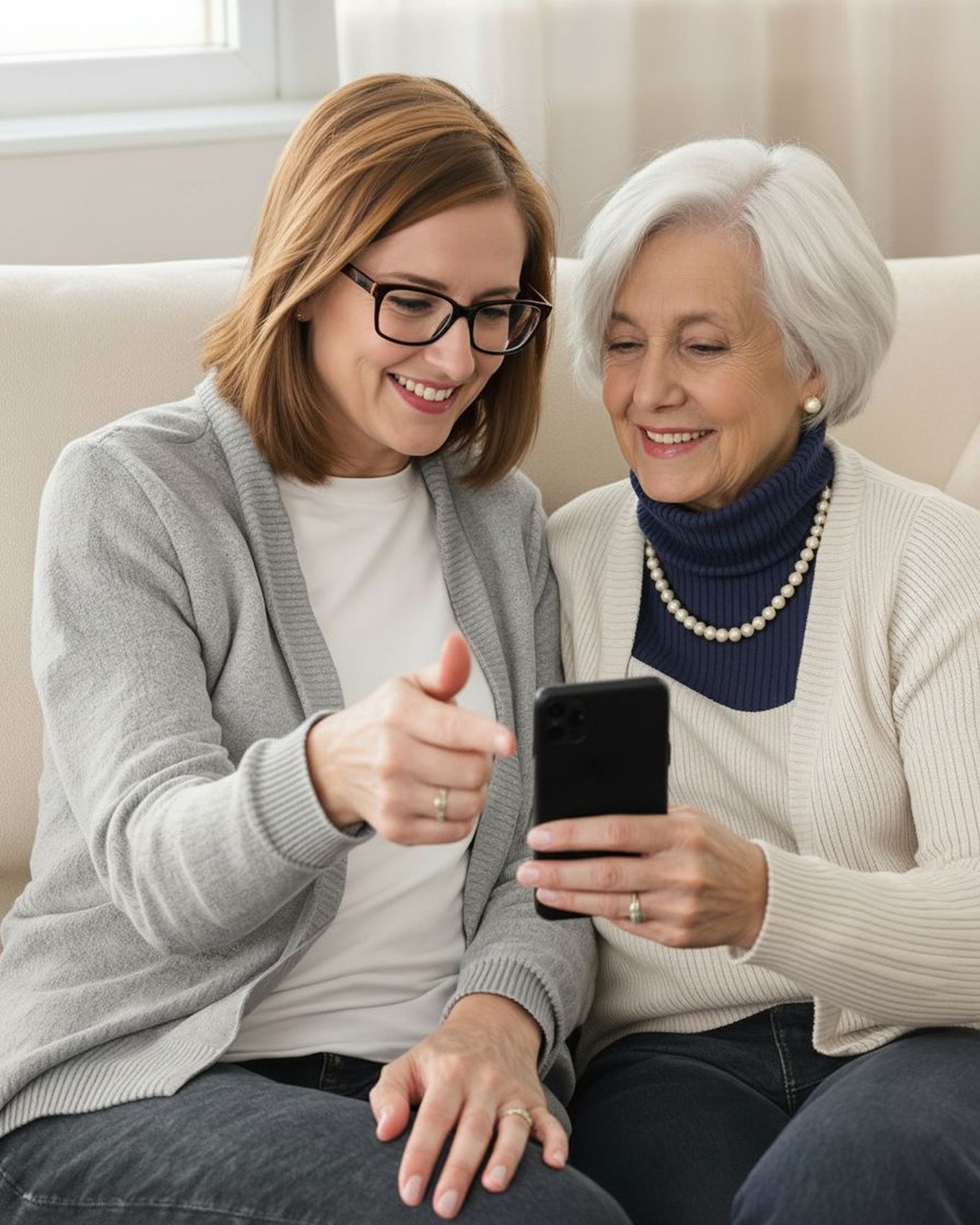
A scammer counts on no one being there to ask. Tiina is. She's on your parent's iPhone, ready to talk through any "urgent" call, calmly, before they do anything they can't undo.
Frequently asked
What this sounds like with Tiina in the room
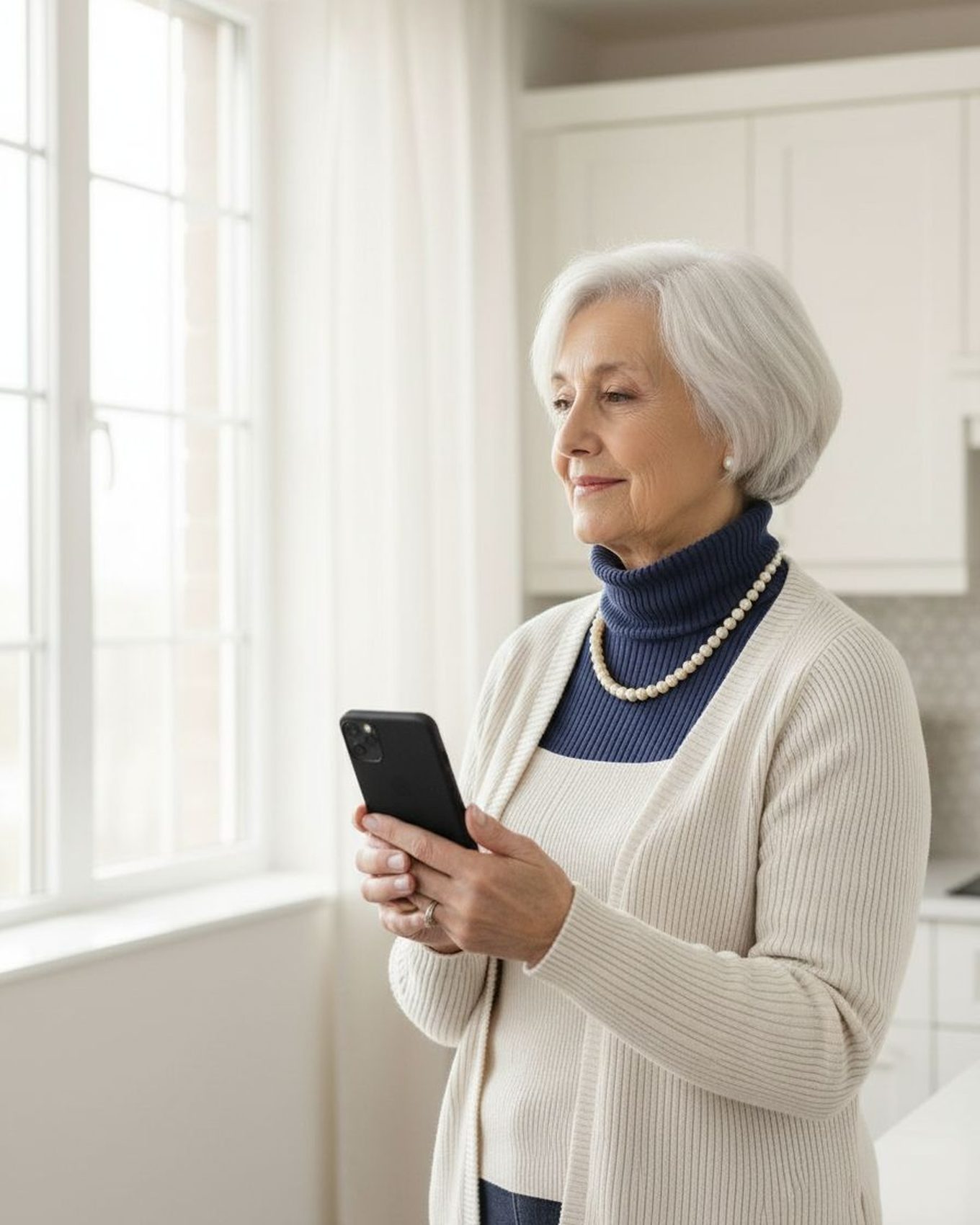
Sunday afternoon. Your mom's iPhone rings. Nomorobo silenced four unknown calls this week before the phone even buzzed. But one got through: a man saying he was from Apple about her iCloud. She hung up. She opens Tiina. "He said my iCloud was compromised. I hung up. Did I do the right thing?" Tiina answers. Yes. Apple doesn't call out of the blue about iCloud. Walks her through how to verify her account is fine in the Settings app. Doesn't sell her the next defense. Just confirms: the call was a scam, you handled it, here's how to check.
Nomorobo blocks the obvious calls. Tiina helps with the one that gets through.
No filter catches every scammer, and the ones that slip past are the ones built to sound real. When that call lands, she needs somewhere to take the story before she takes the action.
Add Tiina to Mom's defenses →Methodology & editorial policy
Reviewed and updated September 25, 2026 by the Tiina Editorial Team. Pricing checked on each company's pricing page or App Store listing in September 2026, and re-checked as pricing or product changes warrant. Verdicts draw on each app's published documentation and pricing, its App Store listing, and aggregated reviews from caregivers.
About composite scenarios. Scenes and sample conversations in this article are composite. Names and identifying details are changed; the moment is real.
Conflict of interest disclosure. Tiina is a product we make. We've tried to be honest about where we win and where we lose. Read the table again if you think we cheated. We do not receive affiliate commission from any other app listed; the Nomorobo recommendation is unpaid. We do not have a paid relationship with any app in this comparison.
About Tiina. Tiina is a voice-first AI companion for older adults: an app for iPhone and iPad that your parent opens to talk through what just happened.
Sharing. Quote freely with a link back to this page. For full reprints, email hello@tiina.ai.
Sources. 12 references: each app's pricing page or App Store listing, FCC, FTC, AARP, three carriers, Apple, press coverage of Truecaller's privacy record.View all
- Nomorobo: pricing & coverage. nomorobo.com/pricing (September 2026).
- RoboKiller: pricing (App Store listing, in-app purchases). apps.apple.com.
- Truecaller: pricing & data practices (App Store listing and privacy label). apps.apple.com.
- Truecaller privacy scrutiny: Quartz on Nigeria's 2019 NITDA privacy inquiry; KICTANet on the 2023 Nigerian Federal High Court ruling in Truecaller's favor; TechCentral on South Africa's Information Regulator investigation (opened in 2024, still open in 2026).
- Aura: pricing. aura.com/pricing.
- FCC. STIR/SHAKEN authentication framework. fcc.gov/call-authentication.
- Verizon: Call Filter. verizon.com.
- AT&T: ActiveArmor mobile security. att.com/security.
- T-Mobile: Scam Shield. t-mobile.com/benefits/scam-shield.
- Apple Support. Manage unknown callers on iPhone. support.apple.com/en-us/111106.
- FTC: Robocall enforcement & Do Not Call Registry. ftc.gov.
- AARP. How You Can Stop Illegal Robocalls (updated September 2026). aarp.org/money/scams-fraud/robocalls.