Robocall Blocker for Seniors: The 3-Layer Setup
Dad's phone rang eleven times before lunch. Jia built him the stack that stopped it.
Affiliate links: if you buy through them, Tiina may earn a small commission at no extra cost to you. As an Amazon Associate I earn from qualifying purchases.
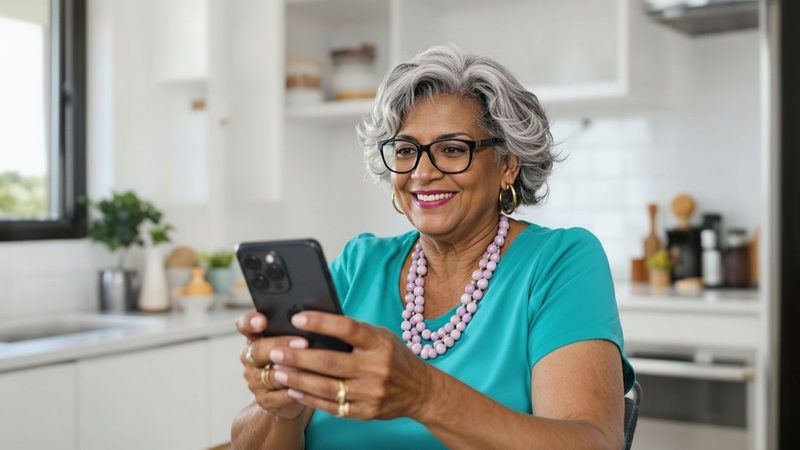
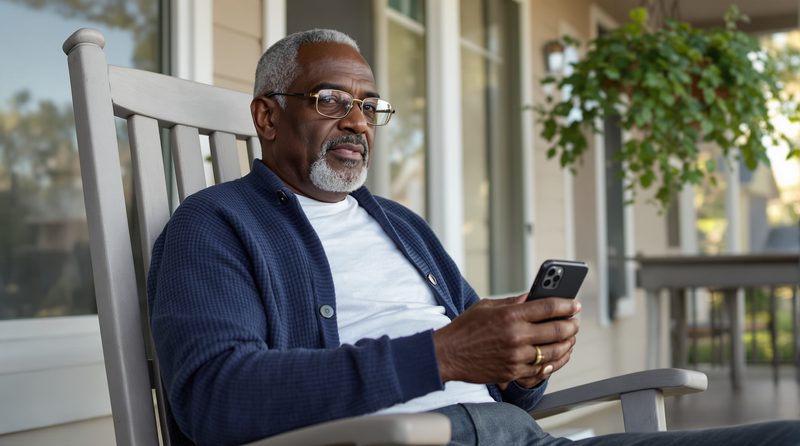
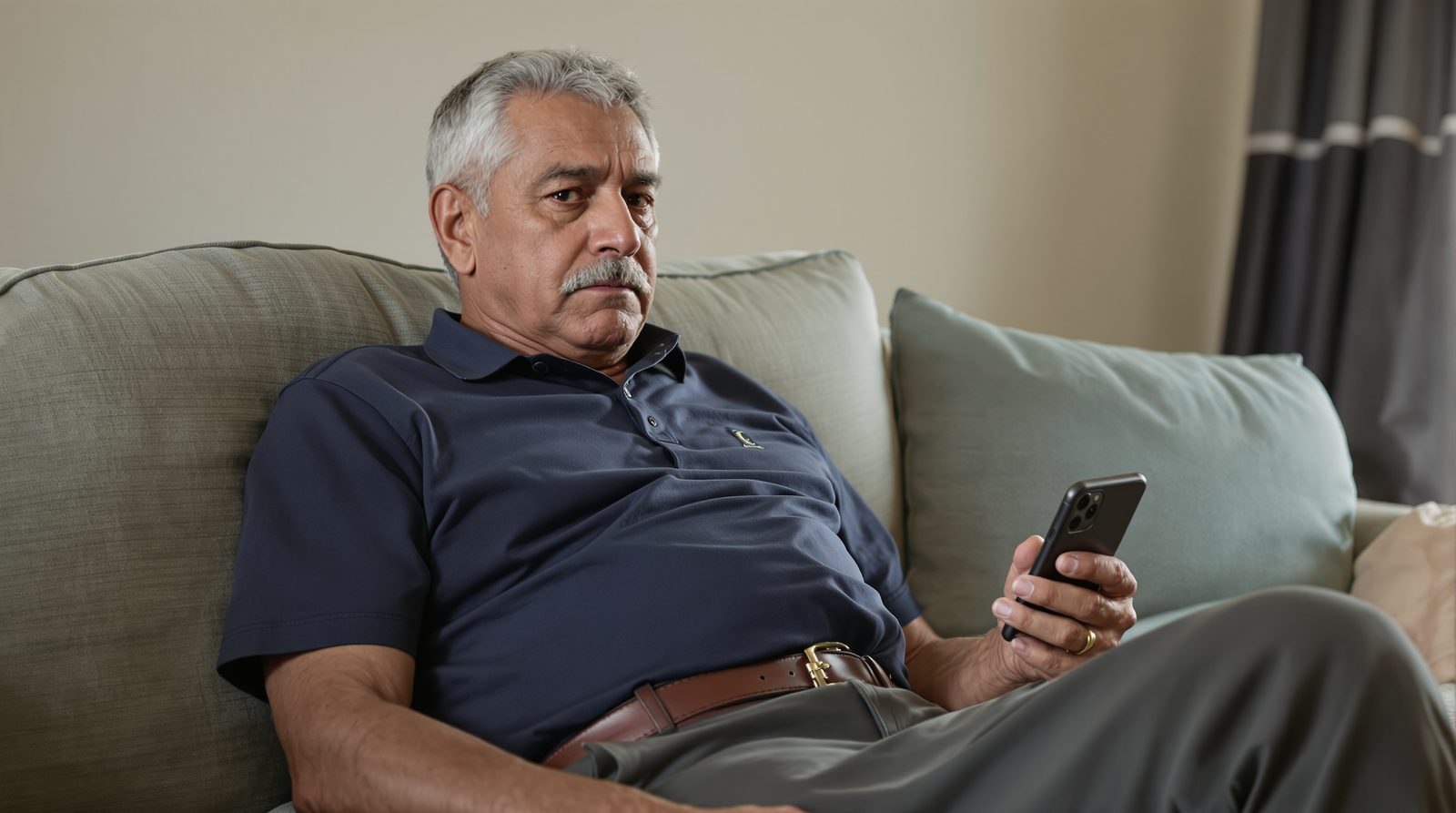
Javier, 71, in Albuquerque, was sitting in his recliner trying to take a nap when his iPhone rang for the eleventh time before noon. He picked up, because he always picked up. What if it was one of the grandchildren? The voice on the other end started in Mandarin. He hung up.
He tried to sleep. The phone rang again. Car warranty. He hung up. The phone rang again. A woman asking for 'Javier.' He hung up. By suppertime the count was past twenty. He set the phone face-down on the coffee table and went to bed early, with the ringer still on, because what if it was one of the grandchildren.
His daughter Jia came over that Saturday with a list. They were going to do this together, because Jia had spent the week reading. By dinnertime, Javier's phone had gone six hours without ringing once.
I picked up because what if it was one of the grandchildren.
He let the stack do its job.
A robocall blocker for seniors is not one app. It is a three-layer stack: your carrier's free filter (AT&T ActiveArmor, Verizon Call Filter, T-Mobile Scam Shield), a third-party app like Hiya or Robokiller, and the iPhone's built-in 'Screen Unknown Callers' set to Silence. Together they drop most robocalls. With Tiina, a voice-first AI companion for older adults, Dad has somewhere to ask about the calls that do get through.
If your dad keeps answering robocalls, it is not because he is naive. It is because he does not want to miss the one call that matters: a grandchild, a doctor, a neighbor with news. Telling him to 'just stop answering' is asking him to give up something he will not give up.
Your job is not to lecture him. Your job is to build the stack that lets him go back to picking up the phone when it rings, because by then, the phone only rings when it matters.
The goal is not silence. It is signal.
What's actually happening with the robocall flood
Robocalls are not random. Senior phone numbers (landlines and cell) are sold on lists by data brokers, often segmented by age, ZIP code, and assumed income. Once a number is on a 'senior list,' the volume escalates. The FTC logged more than 2.6 million Do Not Call complaints in fiscal year 2025 alone, and those are only the calls people took the time to report.
The reason simple Do Not Call registration does not help is that most robocalls today come from spoofed numbers operated by overseas call centers that are unreachable by U.S. regulators. The Do Not Call list assumes the caller is a legitimate U.S. business. The new robocaller is not. They cycle through fake caller IDs by the second.
Carriers were required by the FCC to roll out STIR/SHAKEN call authentication, which flags spoofed calls before they ring through. It is one of the signals the free carrier filters rely on. Third-party apps add a second layer with their own community-reported databases. The iPhone's own settings add a third. Each layer alone catches some. Stacked, they catch most.
The three-layer stack Dad needs
Layer one is the carrier app. AT&T ActiveArmor, Verizon Call Filter, T-Mobile Scam Shield. All free with the major carriers. They combine STIR/SHAKEN caller ID checks with their own spam data to flag and block likely scam calls at the network level, so the phone never even rings. Jia installed this from the App Store and turned on automatic blocking. This alone cut Javier's incoming robocalls by about half.
Layer two is a third-party app. Hiya is the most widely recommended for seniors because the interface is simple and it is free for the basic tier. Robokiller is more aggressive (it 'answers' robocalls with a bot that wastes the scammer's time) and costs about $4 a month. Jia picked Hiya. Dad doesn't need a revenge feature, he needs quiet.
Layer three is the iPhone itself. Settings → Apps → Phone → Screen Unknown Callers → Silence. With this on, any number not in Javier's contacts goes straight to voicemail. The phone does not ring. If a real grandchild calls from a new number, they leave a voicemail and Javier calls back. This is the layer Jia set up last, after she went through Javier's contacts and added every doctor, neighbor, pharmacy, and barber by name. The day after the stack went live, Javier's phone rang four times. All four were real.
What changes after the stack is in place
Javier started napping again. Not because the phone went silent (it didn't, fully), but because it stopped ringing for nothing. The ratio flipped: instead of one real call in twenty, every call was real. He started answering with his old voice back, the one that expected the call to matter.
Jia did not have to take her father's phone away or screen calls for him. She did not have to put a 'do not answer' sign next to the recliner. Javier kept his phone, his independence, and his ability to be reached by the people he loved. The robocallers were the only ones who lost.
Tiina sits inside this stack as the place Javier goes for the one or two calls per week that still get through. Not every robocall gets caught. Some new spoofed numbers always slip past the filters. When one does, Javier opens Tiina and asks. That is the fourth layer the stack assumes.
A scammer counts on no one being there to ask. Tiina is. She's on your parent's iPhone, ready to talk through any "urgent" call, calmly, before they do anything they can't undo.
What you can do for Dad this weekend
First, download the free carrier app for whatever provider he uses. AT&T ActiveArmor, Verizon Call Filter, or T-Mobile Scam Shield. Open it. Turn on automatic blocking of known scams and high-confidence spam. This is the highest-impact ten minutes you will spend.
Second, install Hiya from the App Store. Free tier is enough. Walk through the setup once. It will ask permission to identify calls. Say yes. Then close the app and forget about it; it works in the background.
Third, go to Settings → Apps → Phone → Screen Unknown Callers and choose Silence. But first, sit at the kitchen table with him and add every doctor, pharmacy, neighbor, barber, and church friend to his contacts. The stack only works if the people who matter can still get through.
What this sounds like with Tiina in the room
Javier opened Tiina that evening, after the first quiet afternoon he had had in months. I got a call today from a number I didn't recognize and Hiya called it spam. Was it really? Tiina answered. Probably, but you don't have to take Hiya's word for it. What did the voicemail say? It said it was the Social Security Administration. It said my number was suspended. That's a scam, Javier. Social Security numbers cannot be suspended. The stack did its job. That's exactly the kind of call you don't want ringing through. Javier exhaled. So I can trust it? You can trust it. And anytime one slips through, you can ask me.
Dad naps now. His phone only rings when it matters.
The stack catches most of the noise. Tiina lives on Dad's iPhone for the calls that still slip through. He opens Tiina, asks out loud what he just heard, and gets the answer before he calls anyone back. The goal is not silence. It is signal.
Set Tiina up for Dad →Methodology & editorial policy
Reviewed and updated September 25, 2026 by the Tiina Editorial Team. Re-checked as new federal data, agency updates, or product changes warrant. Sources are linked below; numbers are not composite.
About composite scenarios. Scenes and sample conversations in this article are composite. Names and identifying details are changed; the moment is real.
About Tiina. Tiina is a voice-first AI companion for older adults: an app for iPhone and iPad that your parent opens to talk through a moment that doesn't feel right.
Sharing. Quote freely with a link back to this page. For full reprints, email hello@tiina.ai.
Sources. 4 references: primary sources for the numbers and claims above.View all
- FCC, STIR/SHAKEN Caller ID Authentication. We cited the FCC's STIR/SHAKEN framework as one of the signals behind carrier-level scam filters. fcc.gov/call-authentication
- FTC Consumer Advice, How to Block Unwanted Calls. We used the FTC's consumer guidance on stacked call-blocking tools. consumer.ftc.gov/how-block-unwanted-calls
- FTC National Do Not Call Registry Data Book, FY2025. We cited the FTC's count of Do Not Call complaints to frame the scale of the problem. ftc.gov/reports/national-do-not-call-registry-data-book-fiscal-year-2025
- AARP, How You Can Stop Illegal Robocalls. We referenced AARP's call-blocking recommendations for older adults. aarp.org/money/scams-fraud/robocalls
Frequently Asked Questions
Stack three free layers. First, turn on your carrier's free spam filter: AT&T ActiveArmor, Verizon Call Filter, or T-Mobile Scam Shield, all free with any current plan. Second, install Hiya from the App Store or Google Play (the free tier covers most needs). Third, on iPhone go to Settings → Apps → Phone → Screen Unknown Callers and choose Silence, which sends any number not in your contacts straight to voicemail; on Android, open the Phone app's settings and turn on caller ID and spam protection. Register at donotcall.gov for good measure. Together these layers stop most robocalls without paying a cent. The FTC recommends the same kinds of tools at consumer.ftc.gov.
Mostly yes, but not perfectly. The FTC explicitly notes that some robocalls might still get through. Carrier filters and apps like Hiya catch numbers already reported as spam, but brand-new spoofed numbers can slip through the first few times before being flagged. The most effective single setting is the iPhone's 'Screen Unknown Callers' set to Silence, which silences every number not in your contacts. The trade-off: any legitimate caller not yet saved (a new doctor's office, a delivery driver) goes to voicemail. If a robocall does ring through, hang up immediately. Do not press any number, even '1 to be removed,' because pressing confirms your line is live and triggers more calls.
*77 is a landline feature called Anonymous Call Rejection. When activated, it blocks incoming calls that have intentionally withheld their caller ID (calls showing 'Private,' 'Anonymous,' or 'Blocked'). It does not block spoofed calls that display a fake number. Those go through normally because they're sending caller ID, just a falsified one. *77 is a home-phone feature offered by carriers like AT&T, Verizon, and CenturyLink, and is dialed once to turn on (and *87 to turn off). For modern scam robocalls, which almost always spoof a real-looking number, *77 will not help. You need a call-blocking device or to switch to a cell phone with the stacked filters.
There is no universal 4-digit code that blocks spam calls. That is a common misconception. *67 (3 digits) hides your own number from the recipient's caller ID, not the other way around. *60 lets you build a block list on some landlines, one number at a time, but does nothing for spoofed numbers (which change constantly). The real path to blocking spam calls is the National Do Not Call Registry at donotcall.gov or 1-888-382-1222 for legitimate telemarketing, plus the carrier filter + app + iPhone Screen Unknown Callers stack for actual scam robocalls. No single short code does the job.