Check-In Apps for Elderly Parents: What They Miss
The missed check-in pinged at 8:51. Ernest was watching the game.
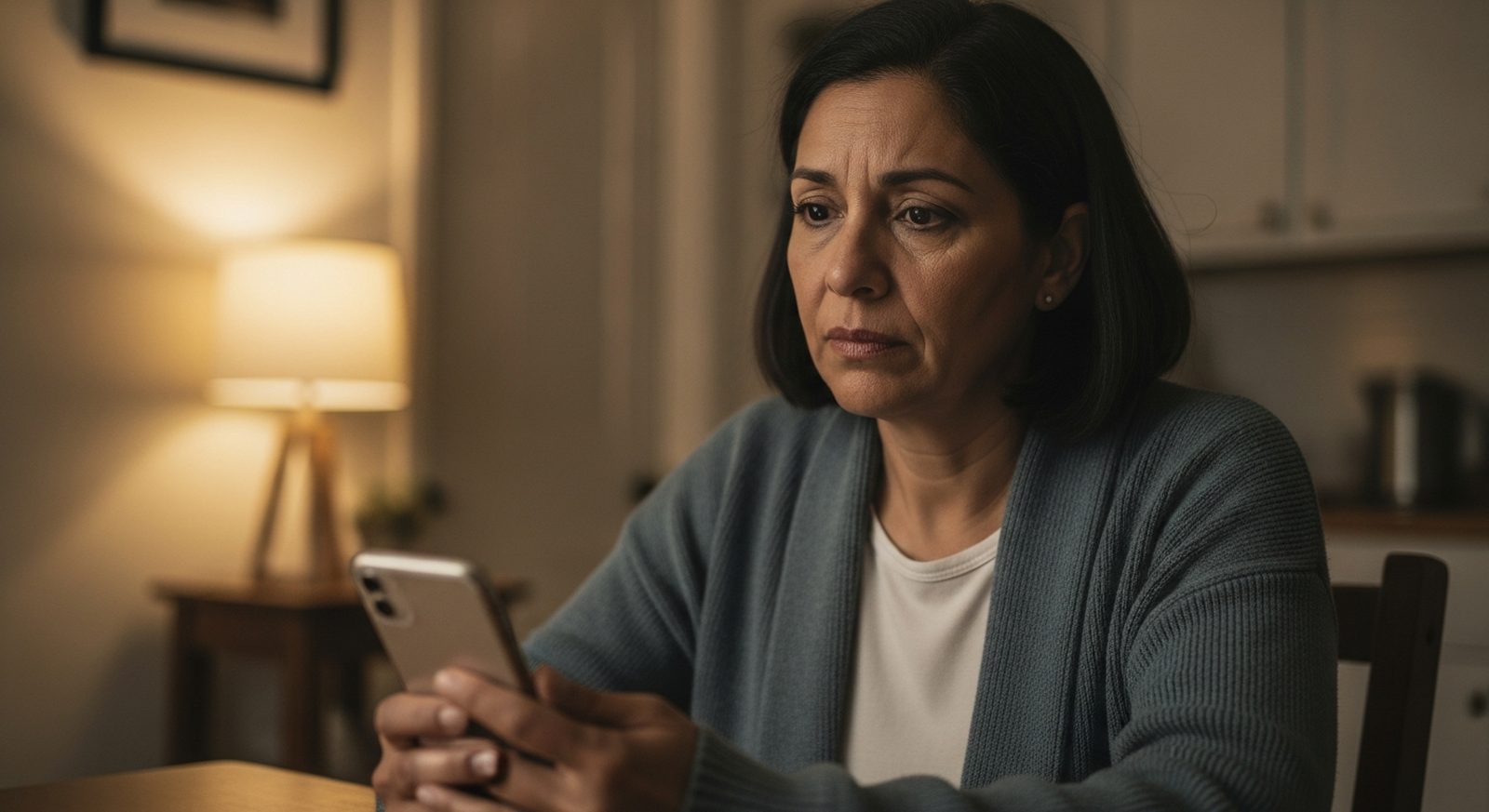
The alert reached Marisol's phone at 8:51 on a Tuesday night: MISSED CHECK-IN. Her father, Ernest, 81, hadn't tapped the green button in his check-in app by his evening deadline. Marisol lives three hours away. She called him. Straight to voicemail.
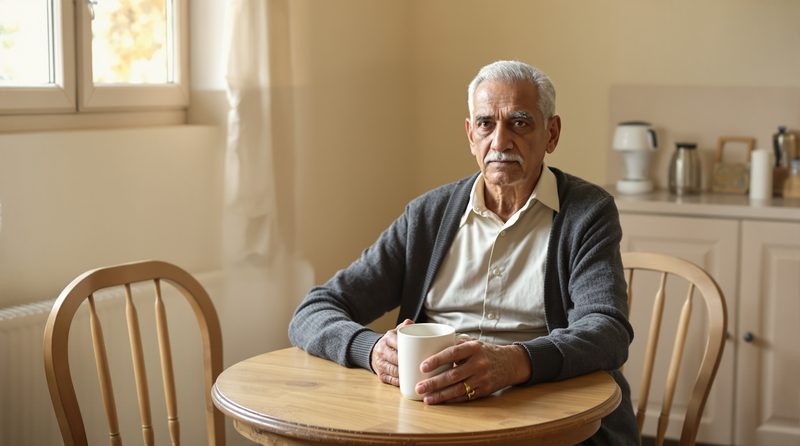
She called again. She texted. She sat at her kitchen table staring at the gray circle where his checkmark should have been. Then she called the man across the street, who put on his shoes, crossed the road, and knocked. He found Ernest in his recliner, phone dead on the kitchen counter, watching the ninth inning with the volume up.
Ernest was fine. Ernest was also furious. "You sent a stranger to my door because I didn't tap a button?" The app had done exactly what it promised to do. That was the night Marisol understood what she had actually bought, and what she hadn't.
The app knew he hadn't tapped the button. It knew nothing else.
It doesn't prove he's okay.
A check-in app for elderly parents (Snug, Dooinwell, AssureOkay) asks your parent to confirm they're okay (usually one tap a day) and notifies family when a check-in is missed. Most have free or low-cost tiers; iPhone's built-in Check In is free. They're a useful, thin safety net. Tiina, a voice-first AI companion for older adults, answers the harder question: who does Dad actually talk to?
If you've already installed a check-in app on your father's phone, or you're three browser tabs deep comparing them, you're not being controlling. AARP's 2025 caregiving research counts some 63 million Americans doing family care, and Pew Research Center's 2026 report on family caregiving in an aging America finds that about a quarter of adults with a parent 65 or older see themselves as caregivers. Wanting to know your dad made it to morning is not surveillance. It's love with a long commute.
But it's worth being clear-eyed about what a check-in app is: a signal, not a substitute. Buy the signal if it helps you sleep. Just don't mistake it for the care.
The button is a signal. It was never the care.
If you are looking at AI phone calls, read our JoyCalls comparison and our guide to Meela alternatives. They explain who starts each call, what family can see, and how Tiina differs.
What a check-in app for elderly parents actually does
Strip the branding away and every daily check-in app is the same machine. Your parent confirms he's okay: one tap, a reply to a prompt, sometimes an automated call. If the confirmation doesn't arrive by the deadline, the app escalates: a reminder to him first, then an alert to you and everyone else on the list.
Snug is the cleanest version of the idea. Ernest opens the app, taps one large green button, done. The free plan alerts his contacts when a day goes quiet; a paid tier adds a dispatch service that can send emergency responders to his door when nobody can reach him.
Dooinwell runs on a subscription and dresses the ritual up a little: scheduled check-ins, gentle reminders, alerts to the circle your parent picks. AssureOkay works the same ground: "I'm OK" confirmations at set times, with missed check-ins escalating to family. Both are honest tools doing a narrow job.
Life360-style location apps are a different purchase wearing the same "is Dad okay?" clothes. There's no button. The app shares the phone's location continuously, with place alerts, SOS, and crash detection on paid tiers. You're not asking your father to check in. You're watching a dot.
And your parent's iPhone already has one built in. Check In, free in Messages on iOS 17 and later, notifies a person you choose (with location, battery, and signal details) if your parent doesn't confirm they're safe by an expected time. It's built for trips and timed windows ("text me when you're home"), not a standing daily ritual, and both ends need an iPhone. But free and already installed is a serious feature.
The 30-second comparison
| Snug | Dooinwell | AssureOkay | Life360 | iPhone Check In | |
|---|---|---|---|---|---|
| The daily ask | One tap on a big green button | Respond to scheduled check-in prompts | Confirm "I'm OK" at set times | Nothing beyond carrying the phone | Start a Check In session in Messages |
| If it's missed | Contacts alerted; paid plan can request emergency dispatch | Alerts the circle your parent chose | Alerts the listed contacts | No daily check-in: you watch the map, plus SOS and crash alerts | Notifies your contact with location, battery, and route details |
| Cost | Free basic plan; paid tier for dispatch | Paid subscription | Low-cost monthly plans after a short free trial | Free tier; paid memberships | Free, built into iOS 17 and later |
| Built for | A once-a-day "I'm up" ritual | Scheduled wellbeing check-ins | Scheduled reassurance for family | Families who want live location | "Text me when you land" moments |
| The honest limit | Proves a tap, nothing more | A response, not a visit | A confirmation, not a conversation | Tracks the phone, not the person | Session-based, not a daily ritual |
A note on the numbers you don't see here: check-in pricing changes often and varies by plan, so we've described tiers instead of quoting dollar figures that could be stale by the time you read this. Check the current app-store listing before you commit to anything.
What check-in apps are honestly good at
Credit where it's due: a check-in app is cheap or free, takes ten minutes to set up, and needs no hardware, no installer, no monitoring contract. For a parent living alone, it converts "I haven't heard from Dad since Thursday" into a system that notices by lunchtime.
That window matters most after a fall. The CDC reports 1 in 4 adults 65 and older falls each year, and the damage compounds with every hour nobody knows. A daily button bounds that window at hours. If falling is the specific fear, bound it at seconds instead. That's a job for a fall-detection device, not a check-in app.
And when the parent chooses the ritual himself, it can be genuinely pleasant: a one-tap "I'm up" that says good morning without demanding a conversation. The app works best as his tool for reassuring you, not your tool for auditing him. Hold onto that distinction. The whole category lives or dies on it.
What a ping can't tell you
Now the honest part. A tapped button proves your father touched a screen inside a window of time. It does not prove he ate breakfast, took the blood-pressure pill, slept through the night, or heard another human voice.
He can tap "I'm OK" three hundred mornings in a row and spend every one of those days alone. AARP Foundation surveys have found more than a third of adults 45 and older report being lonely, and the checkmark has no opinion about that. The ping measures contact with a screen, not contact with the world.
Then there are the false alarms. A dead battery, a phone left in the car, a long nap: each one lands on your phone as a possible emergency. You call; he doesn't hear it. You call a neighbor. He's fine, and now he's also a man whose evening was interrupted to prove it. After the second knock on the door, somebody quietly gives up on the app.
And underneath runs the quieter cost. From his recliner, a check-in app can feel like surveillance dressed as care: a system that only speaks up when he fails to perform being alive on schedule. A parent who feels monitored stops tapping, which floods you with false alarms. Or he taps just to keep you off his back, which tells you even less.
Tiina doesn't watch your parent, and she doesn't send you reports. She talks with him. She reads the confusing letter with him, helps him spot the scam call, and keeps him company.
Monitoring or companionship: two different purchases
Here is the fork in the road, plainly. A check-in app manufactures a signal about your parent, for you. A companion gives something to your parent, for him. The first shortens how long a bad day goes unnoticed. The second changes what the ordinary days feel like. They are not the same purchase, and plenty of marketing blurs them on purpose.
This is the ground Tiina stands on, and it is the opposite of monitoring. Tiina never sends family reports, alerts, summaries, or location. There is no dashboard for you to check, on purpose. She's a companion your father talks to: she reads the confusing insurance letter with him, flags the "grandson needs bail money" call for what it is, and keeps him company through the afternoons that used to be silent.
Most AI tools assume a fluent user: accounts, prompts, settings, a feed to learn. Tiina was designed from the ground up for older adults and for people who aren't tech-savvy: one button, a patient voice that never rushes him, nothing to configure, no learning curve. Ernest gets what AI is genuinely good at without being left behind by how it's usually packaged.
What that buys you is different in kind from a checkmark. Not a feed about your father. A father who handled the letter himself, hung up on the scammer himself, and has something to tell you on Sunday. If you want to see how families set this up, start at tiina.ai/families. The reassurance comes from him being capable and less alone, not from a green circle turning on time.
How to bring it up with Dad (so it survives week two)
Whatever you pick, pick it with him. Hand your father this comparison, let him mock it, let him choose the least annoying option. A check-in app that was his decision survives. One that appeared on his phone after Thanksgiving dies in about two weeks. Or worse, it keeps running as a resentment machine.
Frame the favor honestly. "I worry at night. Would you tap this for me?" is a fair, adult request between people who love each other. Quietly switching on location sharing is not, and it is exactly how this category earned the surveillance reputation it has.
Then pair the signal with actual contact, because the button cannot carry the relationship. A standing Sunday call. A visit cadence you can sustain from three hours away. The long-distance caregiving playbook covers those logistics. The app notices emergencies. People notice everything else.
And if he refuses the whole category, treat that as information, not defiance. Some parents will happily keep up a morning text thread but hate buttons. Some will run iPhone Check In for the drive home from poker night but reject a daily deadline. The goal was never compliance. It was knowing he's okay, and him staying glad you asked.
What this sounds like with Tiina in the room
Wednesday morning, the day after the knock on the door. Ernest has his coffee, and the phone is charged this time. He opens Tiina. Good morning, Ernest. My daughter sent a stranger to my door last night. The phone died during the game. So the button never got tapped, and the cavalry showed up in the ninth inning. Exactly. I'm eighty-one, not missing. You're allowed to be annoyed. She's allowed to worry. Both things are true from three hours away. She means well. I hate that button. Then tell her that, in your own words, tonight. Not the app's words. Yours. I will. What are the standings? Pull up a chair. It's not pretty.
Dad taps the button for you. Tiina is there for him.
The check-in app tells you he touched a screen. It will never read the confusing letter with him, help him spot the scam call, or fill the quiet afternoon. Tiina does that. With him, not about him. No reports, no dashboard, no learning curve. You bought the signal. Now give him the company.
Try Tiina with Dad →Methodology & editorial policy
Reviewed and updated September 25, 2026 by the Tiina Editorial Team. Re-checked as new federal data, agency updates, or product changes warrant. Sources are linked below.
About composite scenarios. Marisol and Ernest are composite characters. The scenes and conversations in this article are composite; names and identifying details are changed. The moment is real.
How this comparison was assembled. The app descriptions come from each product's own public documentation, product pages, and app-store listings as of July 2026, not from hands-on, multi-week testing. Pricing tiers change often, which is why we describe free versus paid tiers rather than exact dollar amounts. We have no affiliate or paid relationship with any app listed.
About Tiina. Tiina is a voice-first AI companion for older adults: an app for iPhone and iPad that your parent opens whenever they want someone to talk to, day or night. Tiina is not a check-in or monitoring product: she sends no reports, alerts, summaries, or location to family, and there is no dashboard for the family to check.
Sharing. Quote freely with a link back to this page. For full reprints, email hello@tiina.ai.
Sources. 10 references: primary sources for the numbers and claims above.View all
- Pew Research Center, Family Caregiving in an Aging America (Feb 2026). Source for the finding that about a quarter of adults with a parent 65 or older see themselves as caregivers. pewresearch.org
- AARP, Caregiving in the US 2025 (with the National Alliance for Caregiving). Source for the 63 million family caregivers figure. aarp.org/pri
- AARP Foundation, Loneliness and Social Connections. Source for the finding that more than a third of adults 45 and older report being lonely. aarp.org/pri
- CDC, Older Adult Falls Data. Source for the 1-in-4 annual fall statistic among adults 65 and older. cdc.gov/falls
- FBI IC3, Elder Fraud Reports. Annual reporting on fraud losses among older adults, referenced for the scam-call context. ic3.gov/CrimeInfo/ElderFraud
- Snug, product documentation. Check-in mechanics, free plan, and dispatch tier as described by the maker. snugsafe.com
- Dooinwell, product documentation. Scheduled check-ins and alert circle as described by the maker. dooinwell.app
- AssureOkay, product documentation. Scheduled "I'm OK" check-ins by app, text, or phone call, with alerts to contacts when one is missed, as described by the maker. assureokay.com
- Life360, product documentation. Location sharing, place alerts, SOS, and membership tiers as described by the maker. life360.com
- Apple, iPhone support: Check In in Messages. Behavior of the built-in Check In feature on iOS 17 and later. support.apple.com/guide/iphone
Frequently Asked Questions
No. A check-in app depends entirely on your parent's participation. A parent who resents it stops tapping, and every skipped tap looks identical to an emergency. That's the category's core failure mode: adoption. Apps the parent chose, because the ritual feels like his, tend to survive; apps installed for him quietly die within weeks, or keep "working" while telling you nothing. If your father won't use one, don't escalate to stealth location tracking. It usually confirms his fear that he's being managed. Choose a tool together, or choose a different shape of contact: a standing call, a morning text thread, a neighbor who waves.
Yes. Snug's free plan is built around one green button a day, with alerts to your chosen contacts when a check-in is missed; a paid tier adds an emergency-dispatch service. If your parent has an iPhone on iOS 17 or later, Check In is already built into Messages at no cost. It notifies a person you pick, with location and battery details, when an expected check-in doesn't happen, though it's designed around timed windows and trips rather than a standing daily ritual. Life360's free tier covers basic location sharing. Free is usually enough to learn the thing that matters most: whether your parent will use it at all.
A check-in app produces a signal about your parent, for you: a tap, a checkmark, an alert when the tap doesn't come. A companion app gives something to your parent, for them: conversation, answers, company. They solve different problems: one shortens how long an emergency goes unnoticed; the other changes how the ordinary days feel. Tiina is in the second category: a voice companion your parent talks with, who reads the confusing letter and flags the suspicious call. She never sends reports, alerts, or location to family. Many families run both: a thin signal for the bad day, real company for all the others.
Ask before you install anything. Consent is the entire difference between reassurance and surveillance. Pick the tool together and let your parent reject options; prefer tools they control, like a one-tap daily button, over tools that watch continuously, like location sharing. Keep the signal as small as it can be and still settle you. Then pair it with actual contact (a standing Sunday call, a visit rhythm you can sustain), because no app carries a relationship. Watch their reaction after two weeks: if your parent calls it "checking up on me," believe them and change the shape rather than defending the tool.